

Balancing lectures, assignments, part-time jobs, and a social life leaves most students feeling stretched thin. You want to submit high-quality work, but there are only so many hours in the day. Artificial intelligence software has completely shifted how students approach their studies. You no longer have to stare at a blank screen waiting for inspiration or spend hours formatting citations by hand.
Finding the right software can feel overwhelming when new applications launch every week. Many platforms charge expensive monthly subscriptions that do not fit a student budget. Fortunately, you can access powerful technology without spending a dime. Developers have released highly capable free tiers that handle everything from transcribing complex biology lectures to generating interactive study flashcards.
If you are new to using artificial intelligence for productivity, it helps to understand what AI content creation tools are and how they process information. Once you grasp the basics, you can use these platforms to research faster, write clearer essays, and organize your study materials efficiently.
This guide breaks down the most practical, free artificial intelligence applications available for students in 2026. We will cover how each platform works, the best ways to use them for your coursework, and how to maintain academic integrity while taking advantage of these modern study aids.
Why Students Should Integrate AI Into Their Routine
Relying on traditional study methods often leads to burnout. Highlighting textbook pages and writing out physical flashcards takes time that you could spend actually understanding the core concepts. Smart software acts like a personal tutor and research assistant available 24/7.
These platforms help you process large volumes of information quickly. If you are struggling to understand a complex physics theory, an AI chatbot can explain it to you as if you were a beginner. If you need to build a presentation for a marketing class, design generators can format your slides in seconds. Students who learn to use these applications effectively gain a massive advantage in time management and output quality.
For students looking to build their own digital presence or run campus organizations, finding affordable AI tools for content creation is a game-changer. You can manage heavy workloads while still producing professional-level projects.
Top 12 Free AI Tools for Students
Here are the most effective free applications to help you manage your academic workload this year.
1. ChatGPT (OpenAI)
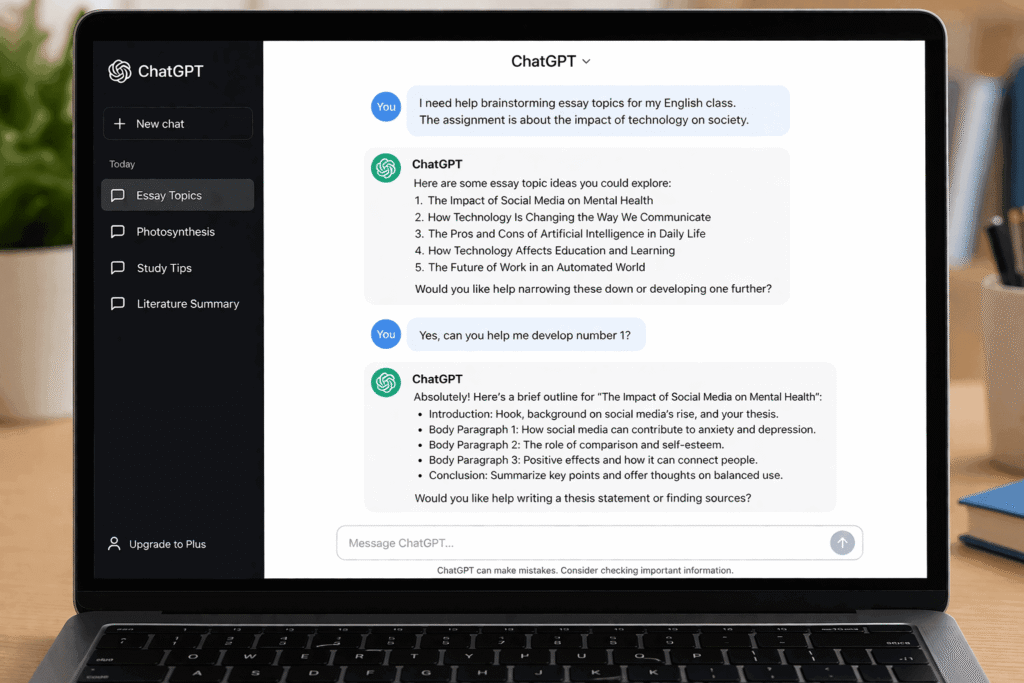
ChatGPT remains the most versatile application for students. The free tier gives you access to a powerful language model that can brainstorm essay topics, explain difficult academic concepts, and help you structure your assignments. Instead of asking it to write an essay for you, use it to generate an outline or explain a historical event in simple terms. You can read more about its capabilities directly from the OpenAI research blog.
2. Perplexity Ai
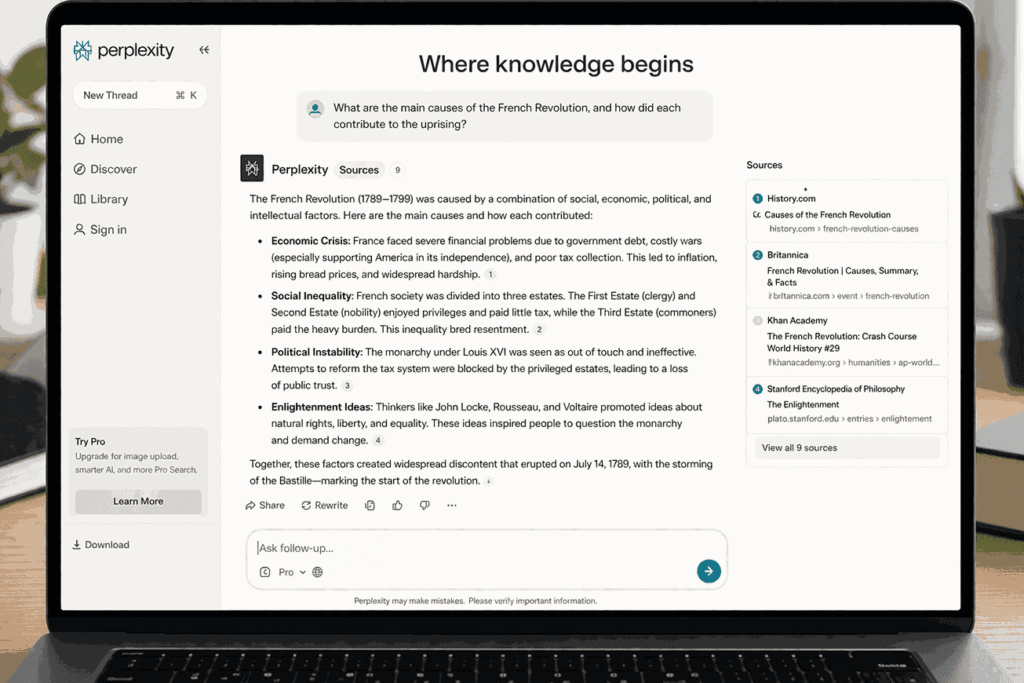
Search engines often return thousands of irrelevant results. Perplexity operates like a conversational search engine that actually reads the internet for you. When you ask a question, it scans multiple sources, synthesizes the information, and provides a concise answer with clickable footnotes. This feature is incredible for students who need to verify facts and find credible sources for their research papers.
3. Grammarly
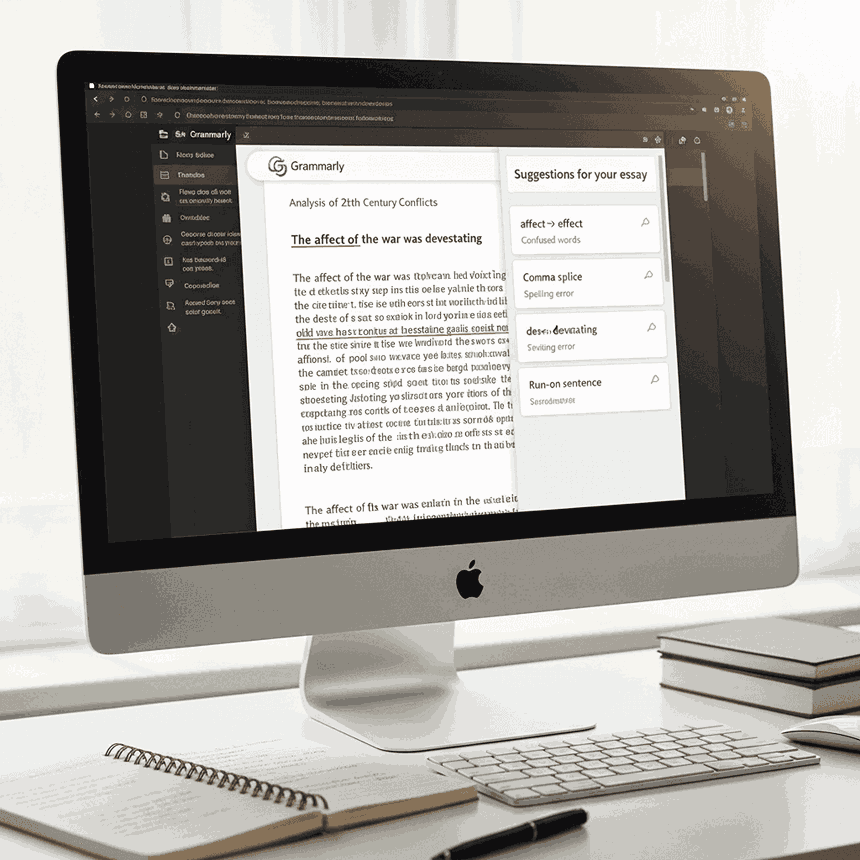
Typing out a ten-page paper usually results in a few typos and awkward sentences. Grammarly acts as a real-time proofreader. The free version catches spelling mistakes, grammatical errors, and punctuation issues across your web browser and word processors. It ensures your emails to professors sound professional and your assignments are structurally sound.
4. QuillBot
Sometimes you find the perfect piece of research, but you struggle to put it into your own words. QuillBot is a paraphrasing application that helps you rewrite sentences for better flow and clarity. It is particularly useful when you tend to repeat the same vocabulary words in your writing. If you happen to write articles for a student newspaper, this platform is also considered one of the best AI tools for blogging.
5. Notion AI
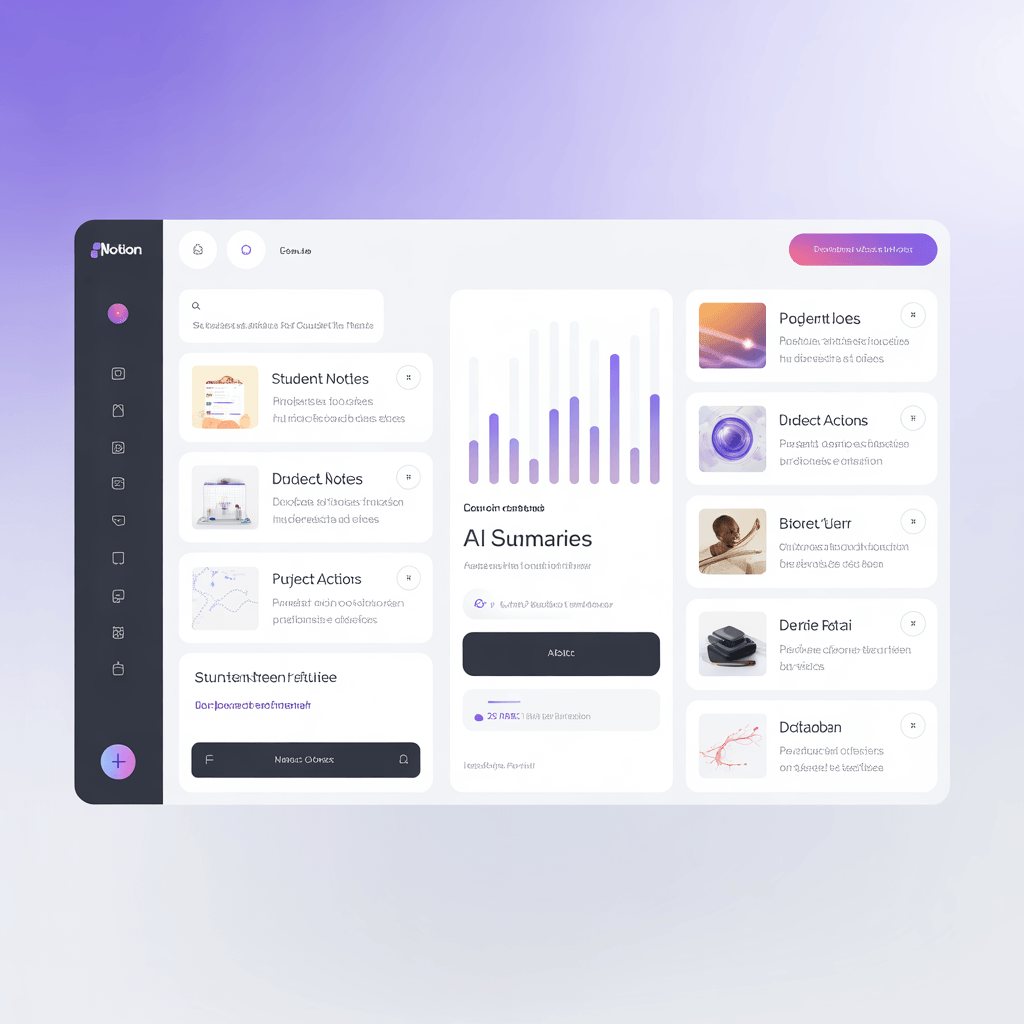
Notion is already a favorite workspace for students to organize notes and track deadlines. By integrating artificial intelligence, the free tier helps you summarize long lecture notes, generate action items from a group project meeting, and translate text. It turns your static study notes into an interactive database.
6. Canva
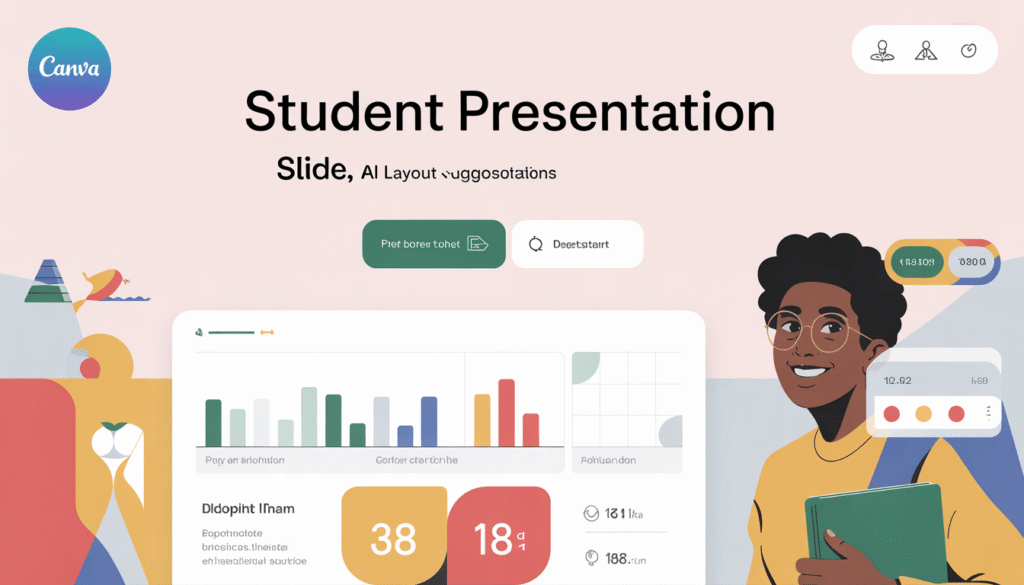
Visual presentations are a massive part of high school and college grading rubrics. Canva makes graphic design accessible to everyone. The platform now includes free artificial intelligence features that generate images from text descriptions, remove backgrounds, and suggest presentation layouts. If you manage an extracurricular club, Canva pairs perfectly with the best AI tools for social media content creation to help you promote campus events.
7. Consensus
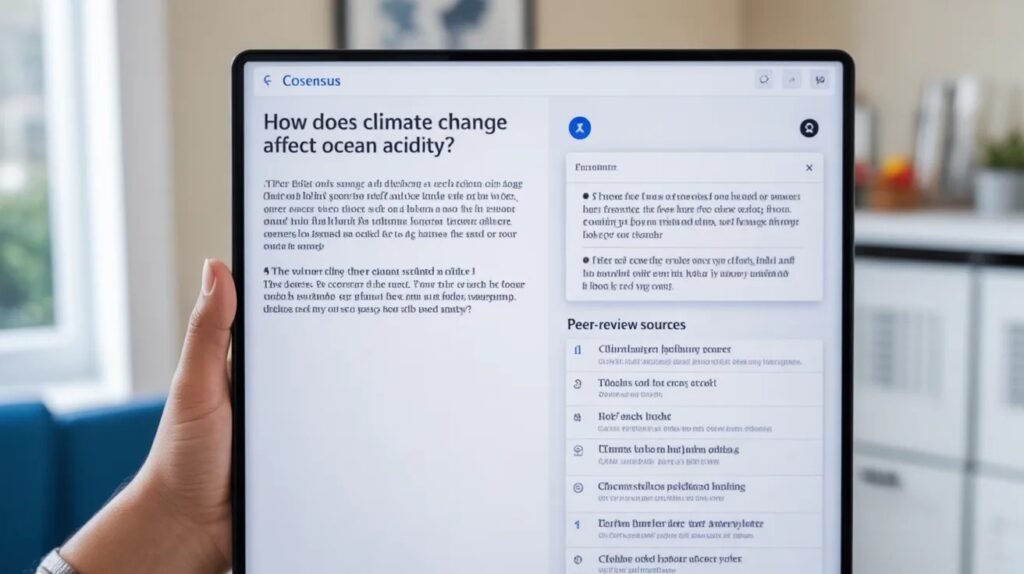
Finding peer-reviewed studies normally requires digging through dense academic databases. Consensus is a search engine built specifically for academic research. You ask it a question, and it scans millions of scientific papers to give you an evidence-based answer. It extracts the exact findings from studies, making it an essential resource for science and psychology majors. You can learn more about the importance of peer-reviewed data through institutions like the National Institutes of Health.
8. Otter.ai
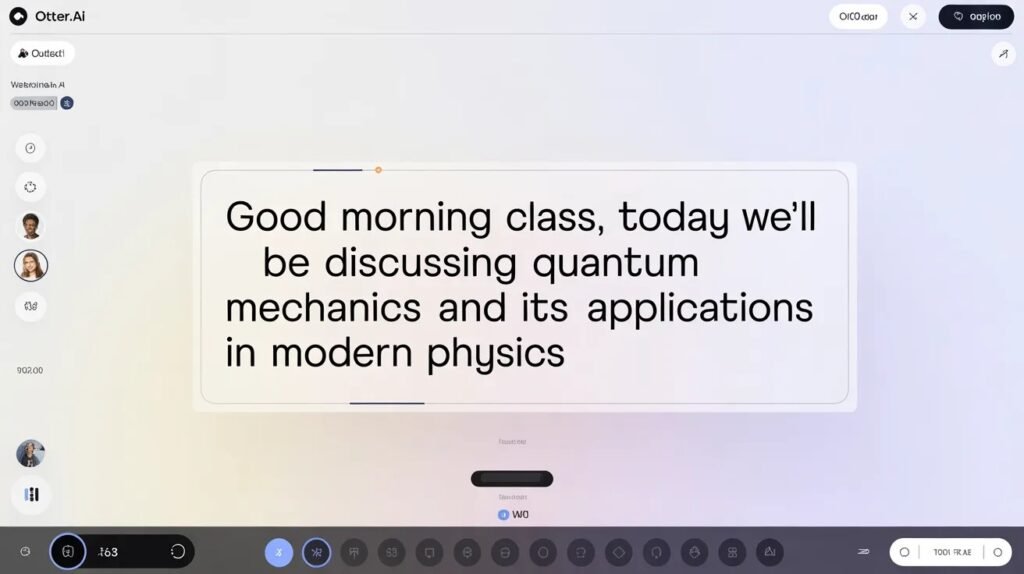
Sitting in a fast-paced lecture makes it difficult to catch every detail your professor shares. Otter.ai records audio and generates highly accurate, searchable text transcripts in real-time. The free plan offers a generous allowance of transcription minutes per month. You can review the transcript after class, highlight key terms, and never worry about missing a crucial exam hint again.
9. Gamma App
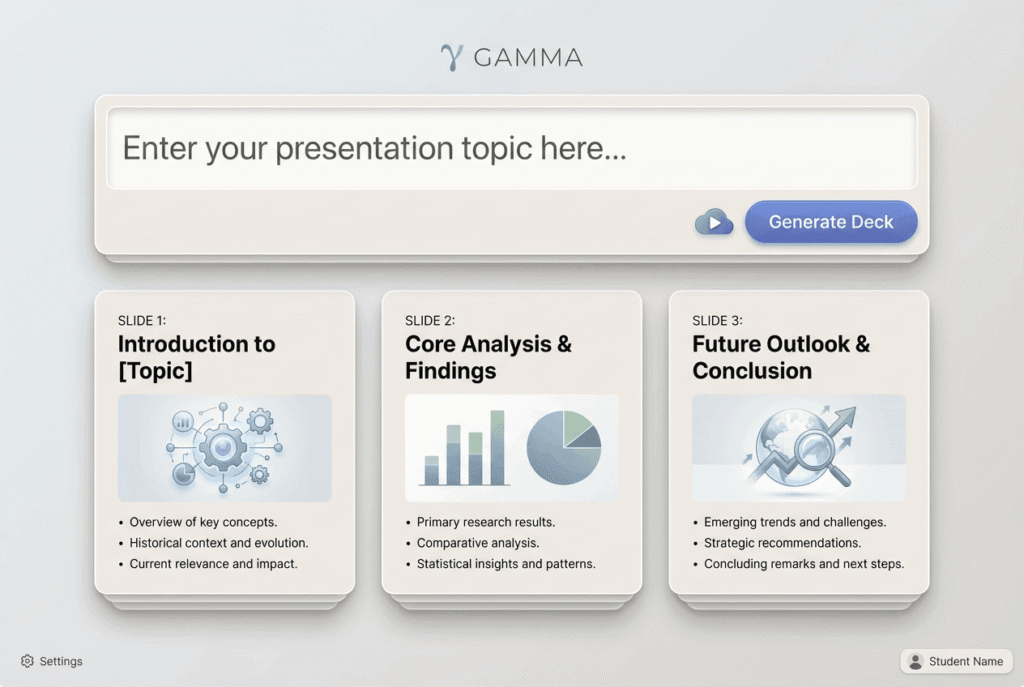
Building slide decks from scratch consumes hours of formatting and tweaking. Gamma is an application that creates beautiful presentations, documents, and webpages using simple text prompts. You type in your topic, and the software generates a structured, visually appealing presentation. You can then edit the text and images to fit your specific assignment requirements.
10. Quizlet (Q-Chat)
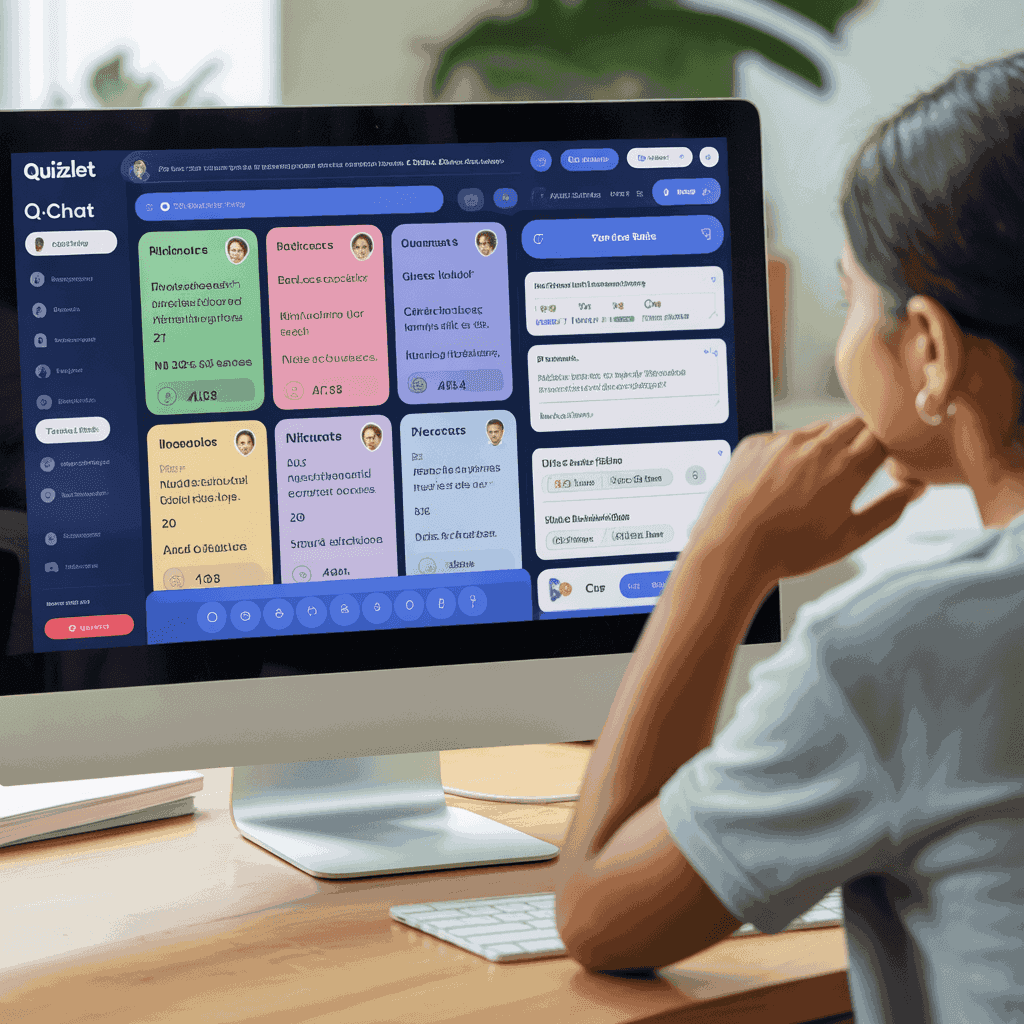
Quizlet has helped students memorize vocabulary for years. Their new Q-Chat feature uses an AI tutor to test your knowledge interactively. Instead of just flipping through digital flashcards, the tutor asks you questions, tests your comprehension, and adapts to your learning pace. It makes studying for midterms feel much more like a conversation than a chore.
11. Socratic by Google
Math and science homework can bring your evening to a frustrating halt. Socratic is a mobile app owned by Google that helps you solve complex problems. You simply take a photo of your homework question, and the app uses artificial intelligence to find the best online resources, step-by-step explanations, and video tutorials to help you understand the solution.
12. Zotero (with AI Plugins)
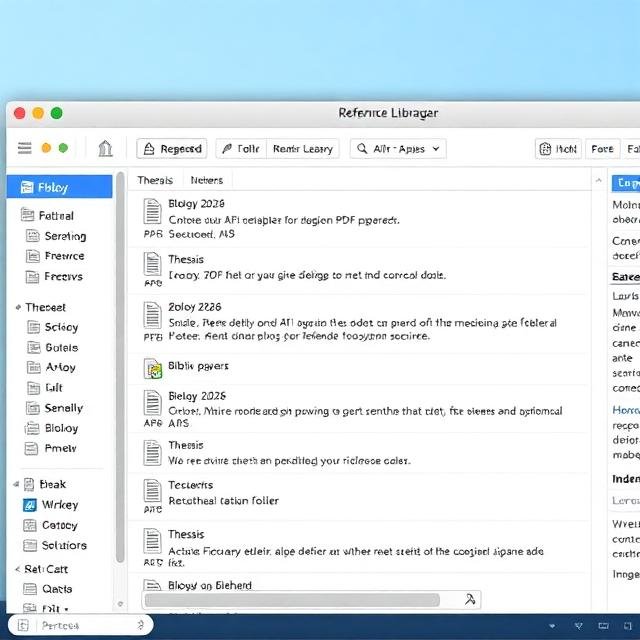
Keeping track of bibliographies and citations is the most tedious part of academic writing. Zotero is a free, open-source reference management tool. When you combine it with free AI-powered plugins, it can automatically organize your research, extract metadata from PDFs, and format your citations perfectly in APA, MLA, or Chicago style. Students tackling specific, intensive research topics should also explore the best AI tools for niche content creation to streamline their workflow further.
Comparison Table Free AI Tools for Students: Pros, Cons, and Use Cases
Understanding the strengths and weaknesses of each platform helps you choose the right software for your specific task.
| Tool | Pros | Cons | Best Use Case |
| ChatGPT | Highly versatile; excellent at explaining concepts | Can sometimes hallucinate facts | Brainstorming topics; understanding complex theories |
| Perplexity | Provides real-time sources and clickable citations | Occasional repetitive answers | Conducting initial research for essays |
| Grammarly | Integrates seamlessly into browsers and Word | Advanced style edits require a paid plan | Proofreading final drafts; writing professional emails |
| QuillBot | Excellent for improving sentence flow | Free version limits word count per prompt | Paraphrasing notes; avoiding repetitive vocabulary |
| Notion AI | Keeps notes and AI assistance in one workspace | Requires setting up the Notion workspace first | Summarizing lecture notes; organizing group projects |
| Canva | Massive library of templates and easy design tools | High-quality image generation is limited on free plan | Creating presentation decks and project posters |
| Consensus | Only pulls data from peer-reviewed scientific papers | Not useful for creative or non-academic writing | Finding credible sources for science and health papers |
| Otter.ai | Accurate transcription; records virtual and live classes | Free tier has monthly minute limitations | Recording fast-paced lectures for review later |
| Gamma App | Generates full slide decks in seconds | Customization can feel rigid | Building the first draft of a class presentation |
| Quizlet | Interactive tutoring adapts to your knowledge level | Some advanced study modes sit behind a paywall | Memorizing vocabulary and testing exam knowledge |
| Socratic | Great visual explanations for STEM subjects | Sometimes struggles with highly advanced college math | Solving high school and early college math/science problems |
| Zotero | Completely free; formats citations automatically | Interface has a slight learning curve | Managing large bibliographies for term papers |
How to Use AI Ethically in High School and College
Academic integrity remains a top priority for educational institutions. Using these applications to do the work for you will likely result in plagiarism accusations. However, using them to enhance your own workflow is generally acceptable and encouraged by progressive educators.
The rule of thumb is to treat artificial intelligence like a helpful study buddy. You would not ask your classmate to write your essay, but you would ask them to review your outline or quiz you on flashcards.
Use platforms like ChatGPT to generate ideas and structures, but write the actual paragraphs yourself. Rely on Perplexity and Consensus to find reliable sources, but read the original articles to form your own arguments. By using these platforms as assistants rather than replacements, you protect your academic standing while learning the material deeply. If you are developing study guides for a club or study group, looking into AI tools for content personalization can help you tailor your study materials to different learning styles.
Frequently Asked Questions (FAQs)
Are AI tools safe for students to use?
Yes, they are safe when used properly. Avoid putting personal data, sensitive passwords, or confidential student information into any chatbot prompt. Always review the privacy policy of the software before creating an account.
Can universities detect if I use AI for my homework?
Most universities utilize detection software like Turnitin to flag machine-generated text. If you copy and paste a full essay from a generator, your professor will likely know. You should use these platforms for brainstorming, outlining, and proofreading, while ensuring the final written product is entirely your own work.
Which free AI tool is best for writing essays?
You should use a combination of tools for the best results. Start with Perplexity to find credible sources. Use ChatGPT to build your essay outline. Write the essay yourself, and then run the final draft through Grammarly and QuillBot to fix typos and improve sentence flow.
Do I need to pay for premium versions of these tools?
For most high school and college students, the free tiers offer more than enough functionality. You only need to consider upgrading if you write extensively long dissertations, need unlimited transcription minutes, or require advanced graphic design exports.
Ready to Upgrade Your Study Routine?
You have access to technology that previous generations of students could only dream about. Artificial intelligence drastically reduces the busywork associated with studying, allowing you to focus on actual learning and comprehension.
Start by picking two or three applications from this list to test during your next assignment. Try using Perplexity for your research phase and Grammarly for your final review. Once you see how much time you save, you can slowly integrate more platforms into your daily routine. Empower yourself with these resources, work smarter, and take control of your academic success this year.